
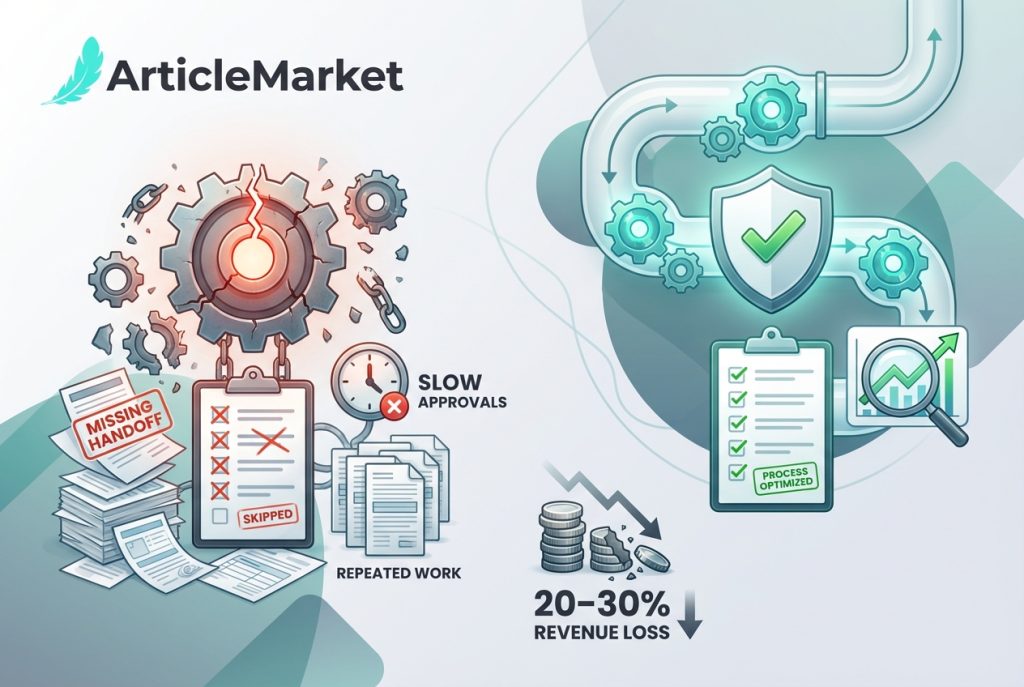
The True Cost of a Broken System
When a system breaks, the damage isn’t always loud. It’s slow. It’s expensive. And it usually starts small.
A missed handoff. A skipped checklist. A form no one fills out the same way twice.
According to the IDC, companies lose 20–30% of revenue each year due to inefficient processes. That means slow approvals, repeated work, and things falling through the cracks.
Broken systems don’t just waste time. They hurt teams. They cause burnout. They lead to errors. In healthcare and manufacturing, that can even put people at risk.
But most breakdowns are preventable—if you catch them early.
What Causes Systems to Break?
No Clear Owner
When no one owns a step, it gets skipped. Or done twice. Or forgotten. Teams assume “someone else has it.” That’s how deadlines are missed and problems grow.
Every task needs an owner. Not a group. A name. If you can’t write one down, the system is at risk.
Tribal Knowledge
“If James is out, we don’t know how to run it.”
That’s tribal knowledge—important steps locked in one person’s head. If that person leaves, the system falls apart.
One team lost three days of production because the only person who knew how to fix the report template was on leave. It wasn’t the tool that failed. It was the system relying on one person.
Write things down. Make backup plans. Don’t build your process around one person.
Inconsistent Tools and Templates
When different teams use different versions of the same form, chaos follows. Version 2.1 has one field. Version 2.2 changes it. People get confused. Results don’t match. Errors get missed.
Standardise your tools. Store them in one place. Lock old versions. Review them regularly.
Missing Feedback Loops
Broken systems stay broken when no one speaks up. If teams aren’t reviewing what’s working and what’s not, nothing improves. Problems become habits. People stop noticing.
Set a time every month to ask:
- What slowed us down?
- Where did we get stuck?
- What’s worth fixing?
Fix one small thing each time. Repeat.
How to Spot a Failing System
Step 1: Walk the Process
Don’t assume it works. Follow each step. Watch how the team uses it. Ask questions.
Look for:
- Delays between steps
- Manual rework
- Confusion about what comes next
- Places where people skip the process
These are signs of friction. Fix them before they grow.
Step 2: Ask, “Who Owns This?”
Every step needs a person, not a role. “The Ops Team” is not enough. Use names.
If you find blank spots, assign someone and make it official.
Step 3: Track the Wait, Not the Work
It’s not how long the task takes. It’s how long it waits.
A two-hour approval that sits in a manager’s inbox for six days is a broken process.
Use a whiteboard, spreadsheet, or simple tracker to log where things sit. Look for bottlenecks.
Step 4: Map the Workarounds
If your team says “we usually skip that step” or “I just do it my way,” pay attention. That’s a red flag.
Workarounds mean the system isn’t serving the people. Either it’s unclear, outdated, or not useful.
Fix the system. Don’t just rely on experience to cover gaps.
Real-World Example: A System Fix That Worked
Paul Arrendell once led a project that involved quality reviews across global sites. Each team used their own version of a form. The results were inconsistent. Audit prep became a mess.
“We thought we were being flexible,” he said. “Instead, we created ten ways to do the same thing.”
His team replaced the forms with one standard version and a simple colour-coded workflow. It wasn’t fancy. But everyone could follow it.
Within three months, the error rate dropped. Teams finished reviews faster. Audits went smoother.
“The goal wasn’t to make it perfect,” Paul Arrendell explained. “It was to make it clear enough that no one had to guess.”
How to Fix a System Before It Fails
1. Run a Quick Self-Audit
Pick one workflow. Ask:
- Is each step clear?
- Is each step tracked?
- Does every step have an owner?
- Are tools or templates outdated?
- Are people doing things differently?
Score it honestly. Don’t assume. Ask your team.
2. Update One Step
Don’t rebuild everything. Start with one step that causes pain. Improve it. Then test it.
Did the fix help? If yes, move on to the next issue.
One small win builds trust and momentum.
3. Create a Simple SOP or Checklist
It doesn’t have to be long. Write out key steps. Add notes where people get stuck. Include examples.
Print it. Share it. Make it visible. Update it when needed.
Checklists reduce mistakes. They also protect the process when someone new joins or someone’s out sick.
4. Review Monthly
Hold a “friction check-in” once a month.
Ask:
- What’s still clunky?
- What slowed you down this week?
- What’s unclear?
Fix one thing each month. Small fixes stop big problems before they start.
Common Mistakes to Avoid
- Waiting for a major issue – If you’re already firefighting, it’s late. Start fixing now.
- Making the process too complex – Simple beats perfect.
- Skipping training – New team members need more than tools. They need to understand why each step matters.
- Relying on memory – If the system lives in one brain, it’s already broken.
Final Thought
Systems don’t last by accident. They last because people maintain them.
Keep them simple. Keep them visible. Keep improving them.
“A strong system doesn’t need a hero,” Paul Arrendell said. “It just needs to be clear, consistent, and built for real people.”
Don’t wait for the fire. Start with one fix today. Your team will thank you later.
